
Coordinate systems
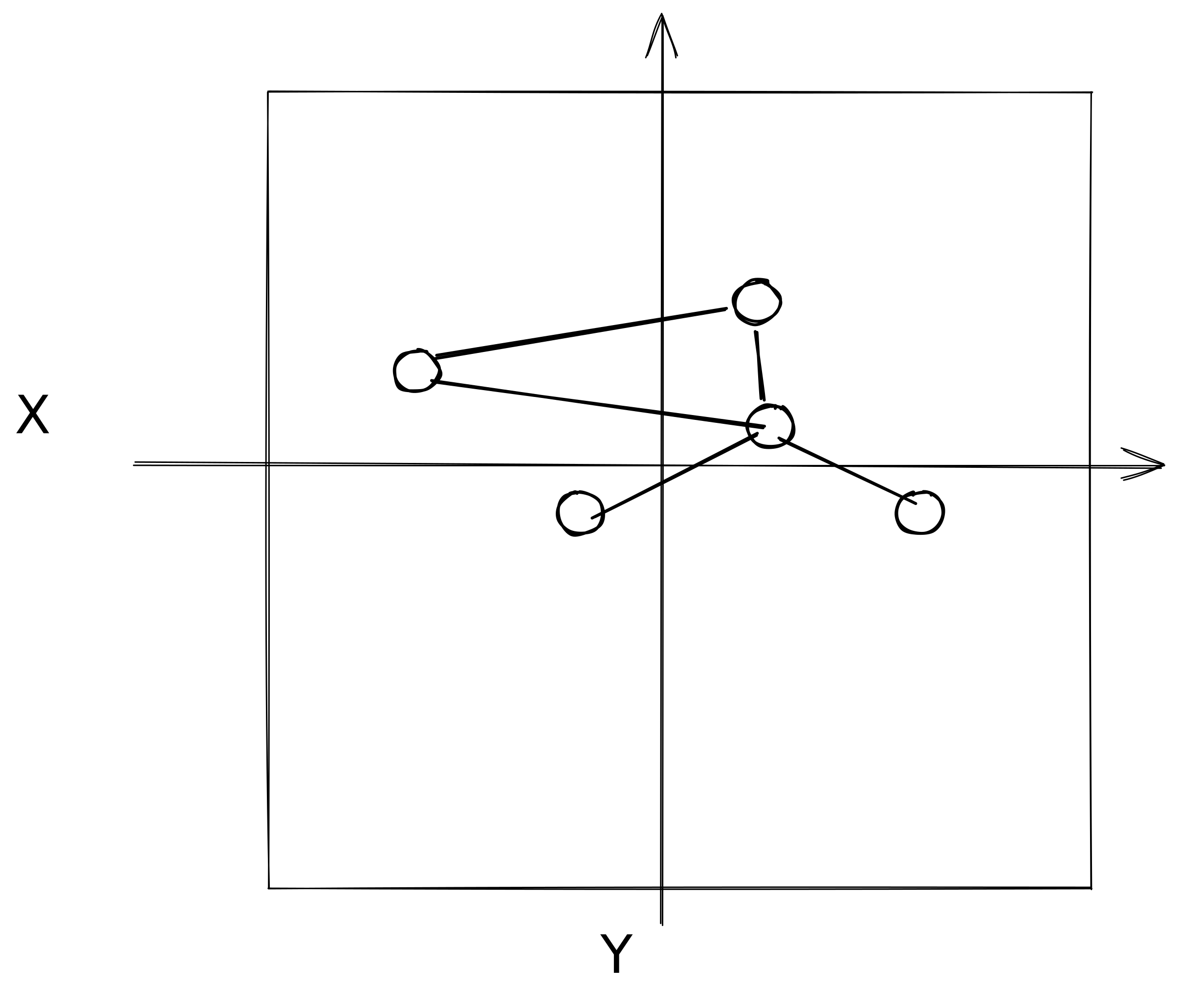
The graph space: graph
The graph contains nodes having arbitrary (x, y) positions.
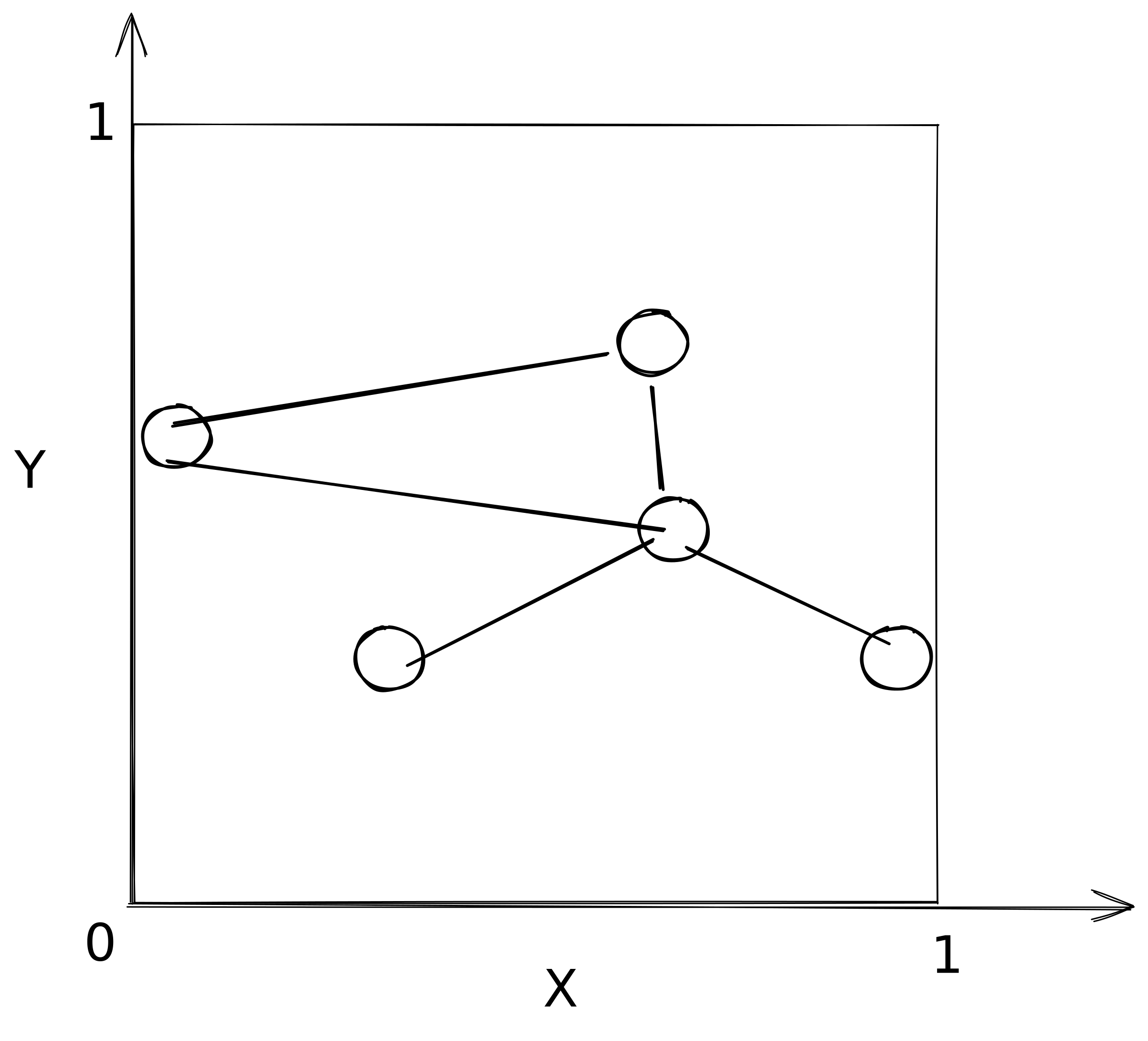
Normalized graph space: framedGraph
First we compute the extent (min & max values) for x and y coordinates in graph space.
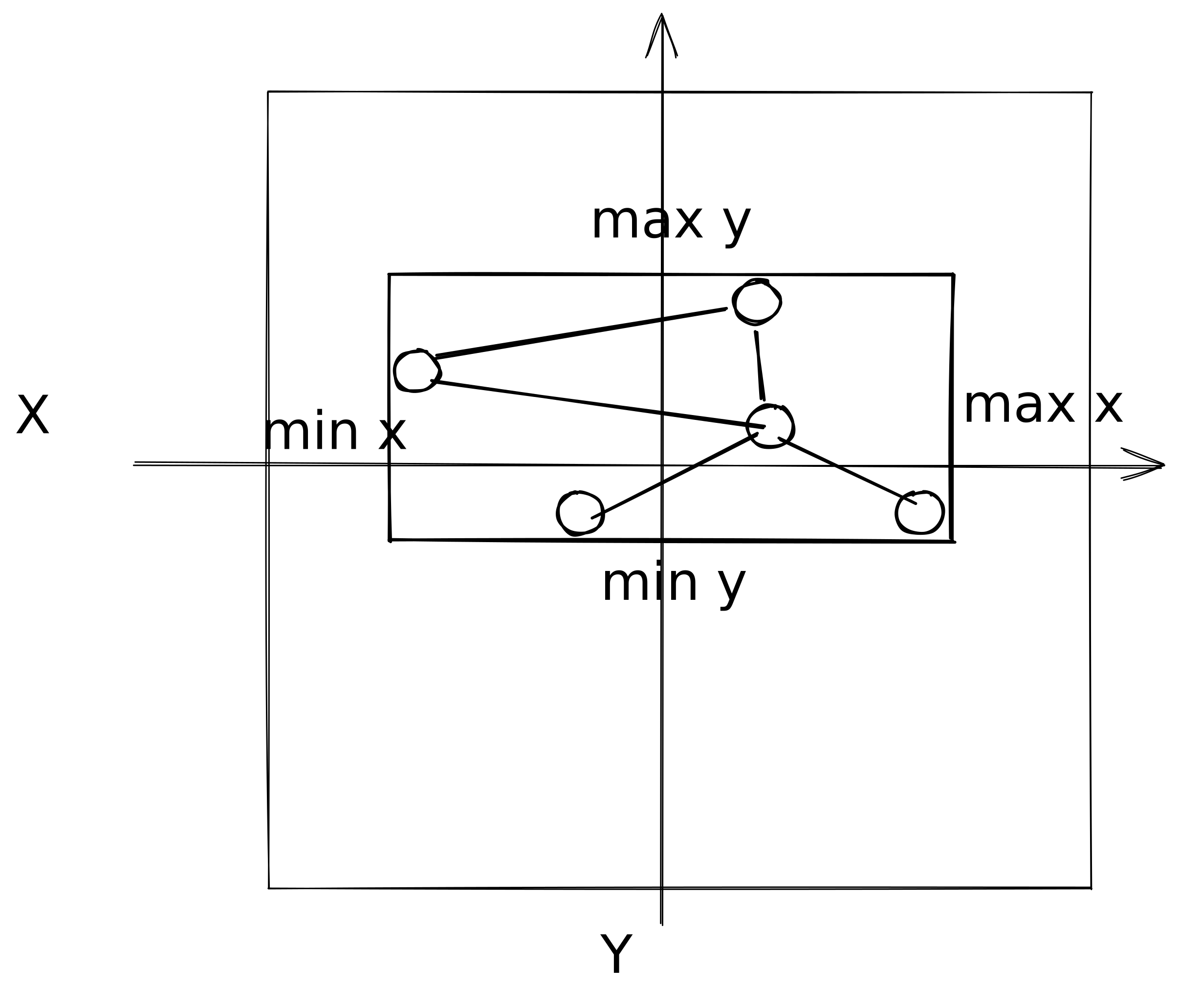
Then we normalize this space into a “square” (quotation marks hereafter explained) such that graphspace min becomes 0 and graphspace max becomes 1.
Viewport space: viewport
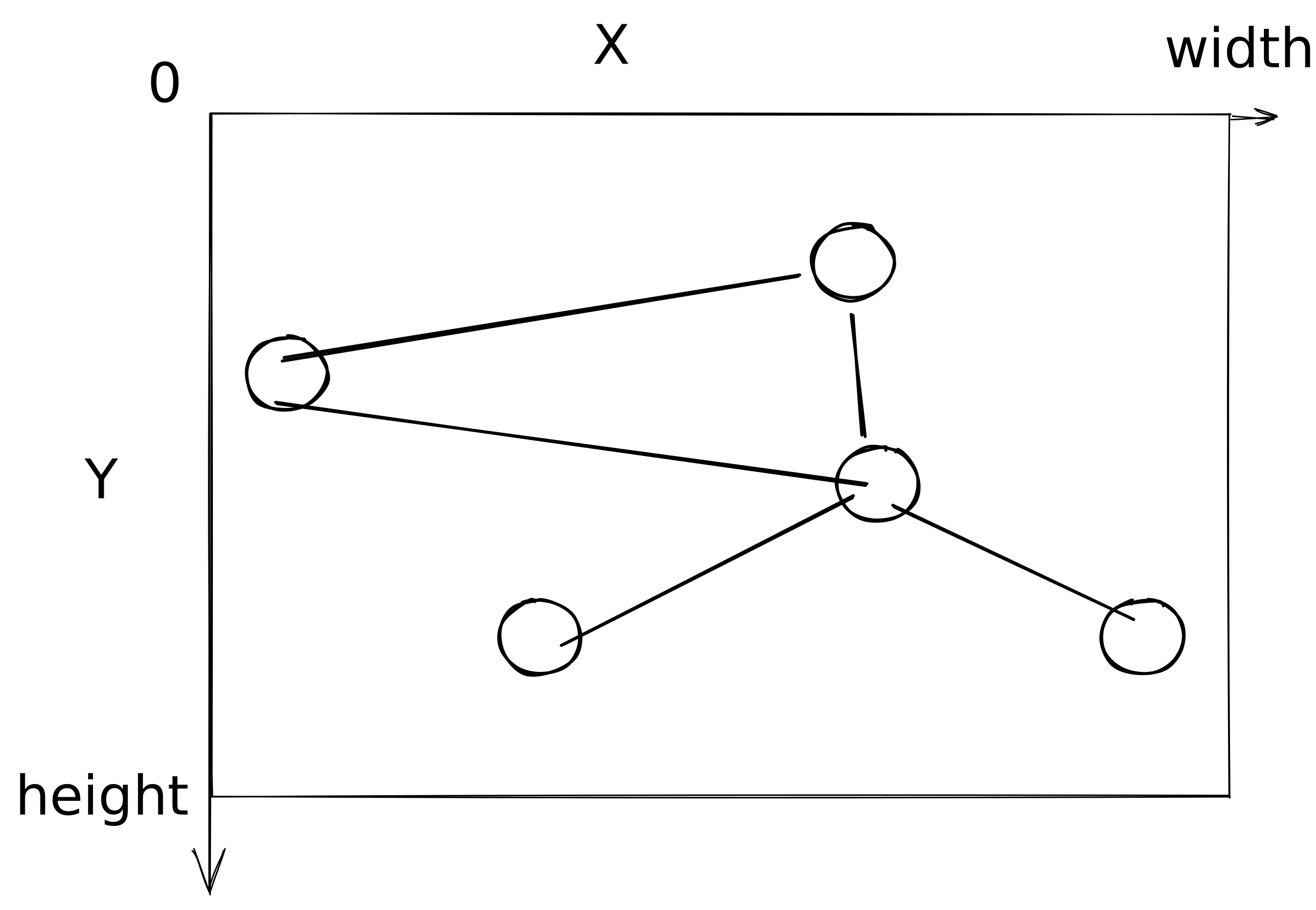
When dealing with 2d canvas (when drawing labels, for instance, or reacting to user mouse events), it can be useful to be able to translate to the viewport coordinates symbolized by a width and a height in pixels.
One thing to note is that the y dimension is then flipped, higher values of y meaning lower on the screen.
One other thing to note is that sigma will correct for the aspect ratio of your viewport to make sure (also considering an optional padding) your graph will occupy as much of the available screen space as possible.
WebGL vertex shader output space: clipspace
In the vertex shader, we transform framedGraph coordinates into WebGL’s clipspace, which always spans [-1, 1] on both axes regardless of the viewport shape.
The transformation bakes in a correction for the viewport’s aspect ratio, so that when clipspace is mapped back to a non-square viewport, the rendered content isn’t stretched.
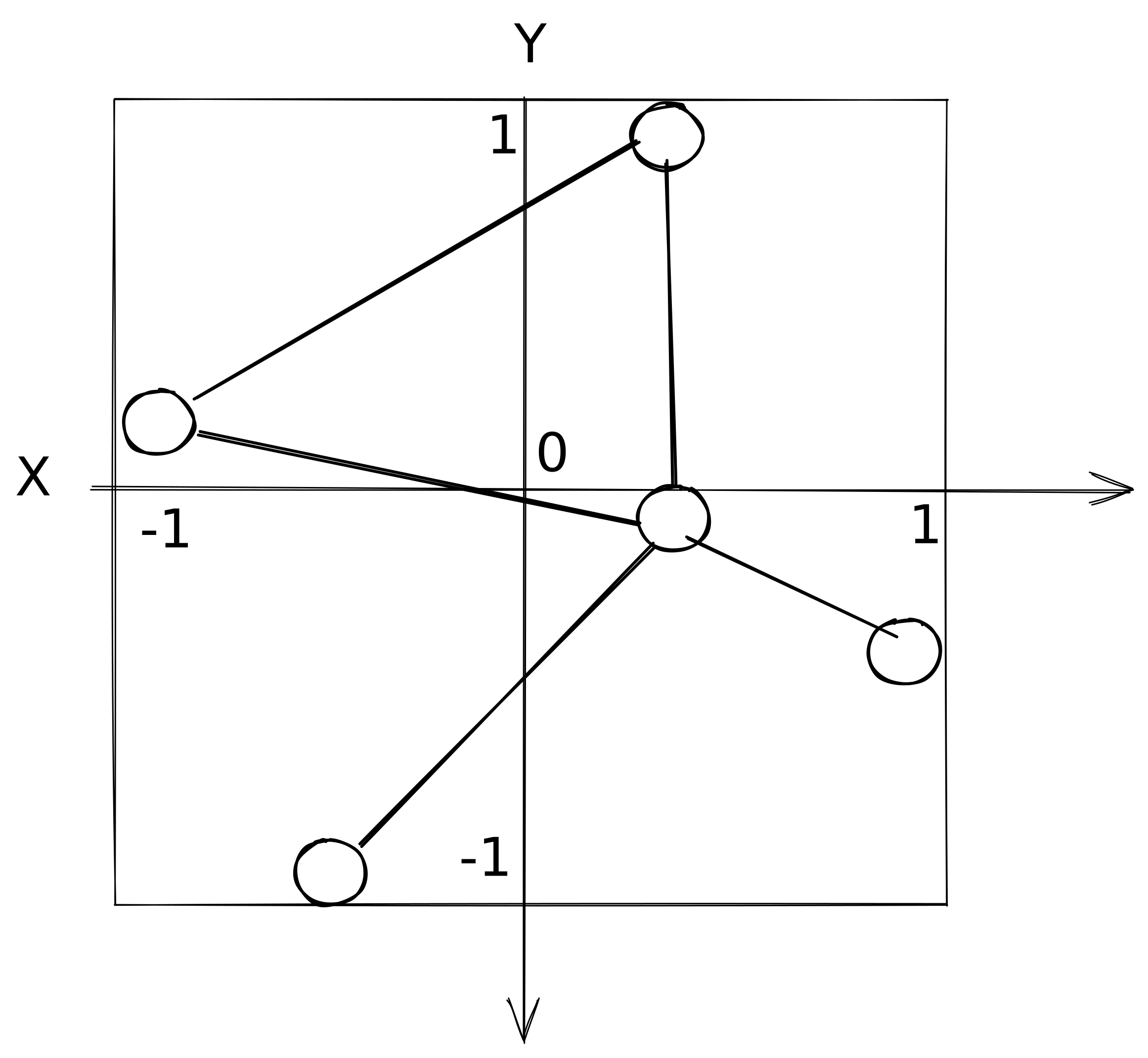
In the fragment shader, gl_FragCoord gives the current fragment’s position in viewport space (in pixels). Any other per-vertex value passed through a varying is interpolated in whatever space the vertex shader emitted it, so mixing coordinate systems between the two shaders requires care.
Scaling and fit settings
The autoRescale setting controls whether sigma should rescale the node positions to fit the viewport or not:
true(default): the node extent is recomputed on each render, so the graph always fills the viewport."once": the extent is captured on the first render and frozen, and subsequent additions won’t change the framing.false: no rescaling. Graph coordinates are treated as pixels, with the origin(0, 0)at the viewport center. The mapping never depends on the graph’s contents, so adding or moving nodes never shifts the view. Useful when you already control positions in screen units (e.g. map overlays).